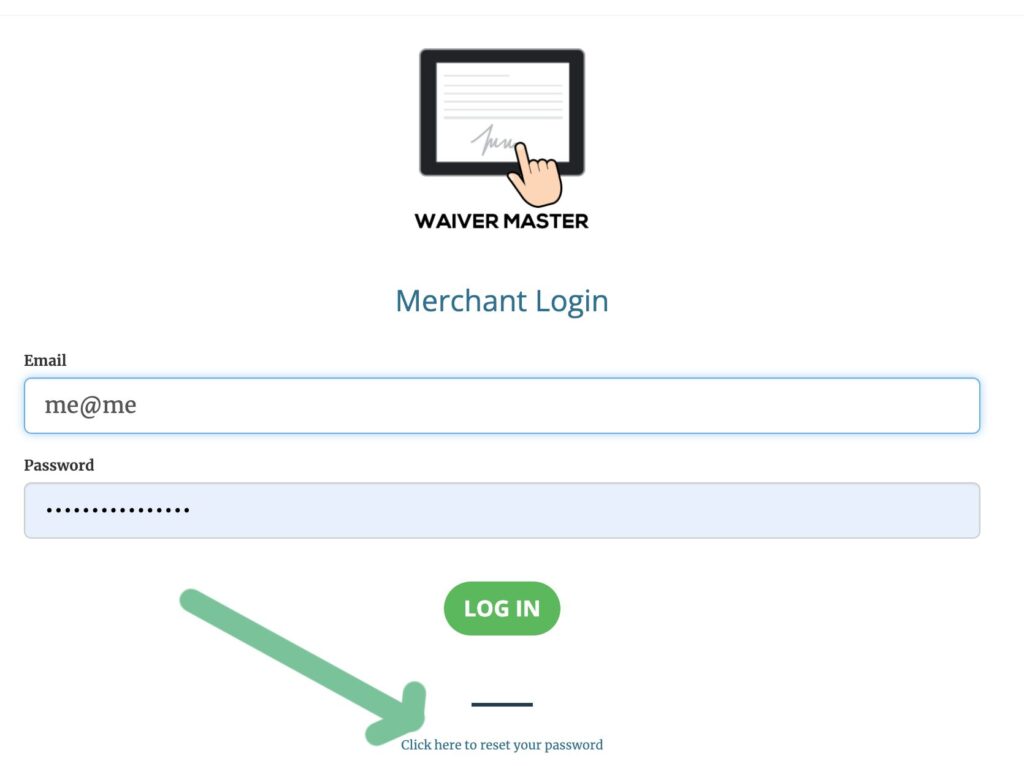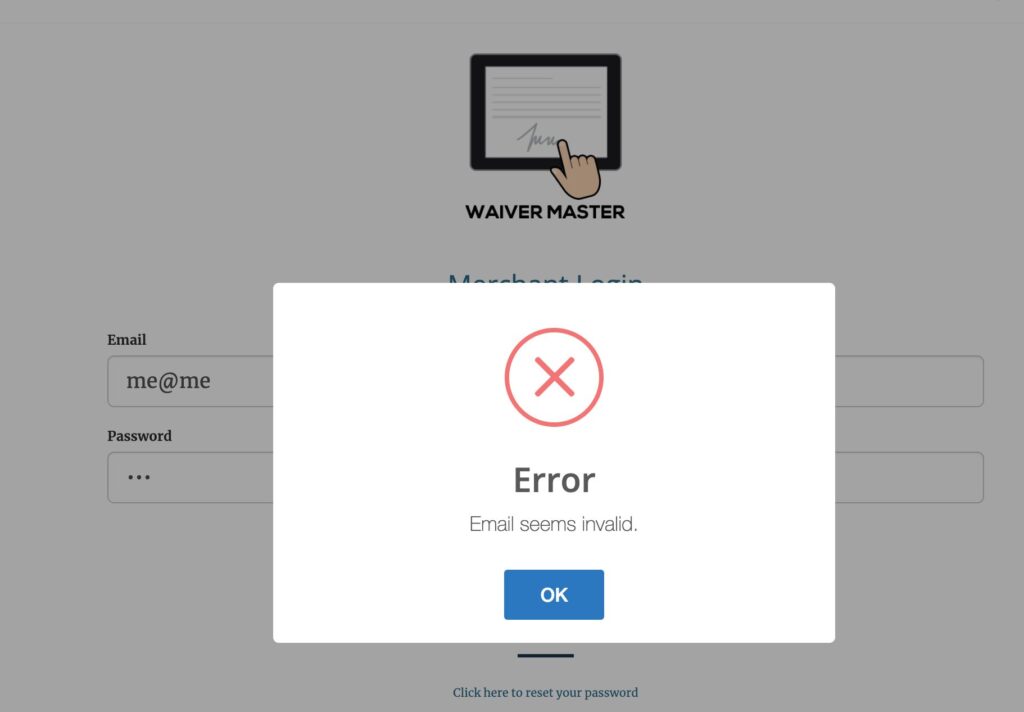
Occasionally login errors can occur. This is usually caused by improper email or password entries or a browser issue. Make sure you:
- Use the correct email address, the one you used to create your WaiverMaster account.
- If you are pasting in your password make sure there are no leading spaces in the front or back.
- Try disabling pop up blockers and resetting your browser’s cache.
When your account was created a temporary password was sent to you. This password does expire. To reset your password, visit the WaiverMaster login page. Click the reset password link located below the login button. Enter the account email and a temporary password will be generated and sent to the account email address. Once you’ve logged in using the new temporary password you can then set the password you wish to use under Account Settings.